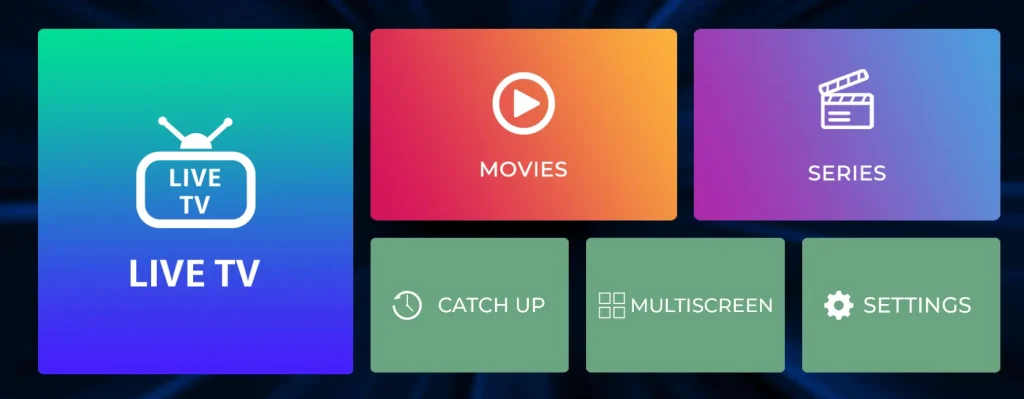
HOW TO SET UP IPTV SMARTERS PRO APP
To setup IPTV Smarters pro app for:
- android and firestick devices or any android tv box device, here is the official download link:
- iOS is available on app store:
- macBook iOs here is the download link:
- Windows :
Download IPTV Smarters Pro from the Google Play Store on Android or the App Store on iPhone/iPad. Then follow these steps:
- Step 1: Open IPTV Smarters Pro and select Add New User.
- Step 2: Choose Xtream Codes API or M3U Playlist and enter your IPTV login details.
- Step 3: Select Add User or Login and wait for your channels, movies, and series to load.
- Step 4: Select your profile from the user list. Your IPTV Smarters Pro setup is complete, and you can start watching your content.
Still have questions?
We’re here to help! Contact us on WhatsApp or get started now
VibeMaxTV provides live TV, movies, and series with HD and 4K streaming. Enjoy a simple experience with secure checkout and 24/7 customer support.
contact@VIBEMAXTV.com
Whatsapp Chat
Explore
Support
- Contact Us
- FAQ